The 10 Best Release Management Software Tools for 2026
Compare the top 10 release management software tools of 2026. Get practical advice on features, pricing, and use cases to find the right solution.
Your CI pipeline is probably the part that works best. Builds pass, tests run, artifacts get published, and everyone feels good right up until release day. Then the messy part starts. Someone checks a spreadsheet, someone else asks whether support was notified, production approvals sit in chat, and the rollback plan lives in a doc nobody can find fast enough. Toolradar data: Our CI/CD catalog spans 110 tools, and 85 percent offer a free or freemium plan, with 43 fully free, so release pipelines rarely require paying upfront.
That gap between "build is ready" and "users can safely get it" is where release management software earns its keep. Good tools don't just automate deployment. They coordinate handoffs, track what changed, enforce approvals, expose risk before production, and make rollback a real mechanism instead of a hopeful sentence in a runbook.
That matters more now because release processes are getting heavier, not lighter. The release management software market is valued at $2.8 billion in 2025 and projected to reach $6.2 billion by 2034, with an 11.2% CAGR. That growth tracks with what is commonly felt in the industry. Modern delivery involves more services, more stakeholders, and more environments than a plain CI pipeline was designed to govern.
This list is built from a practitioner's angle. Not "which tool has the nicest homepage," but which tool solves which problem. Some are best for enterprise release trains. Some are best when developers want runtime control with feature flags. Some are only good if you're already deep in a vendor ecosystem. That's the lens that matters.
1. Best - Ci Cd
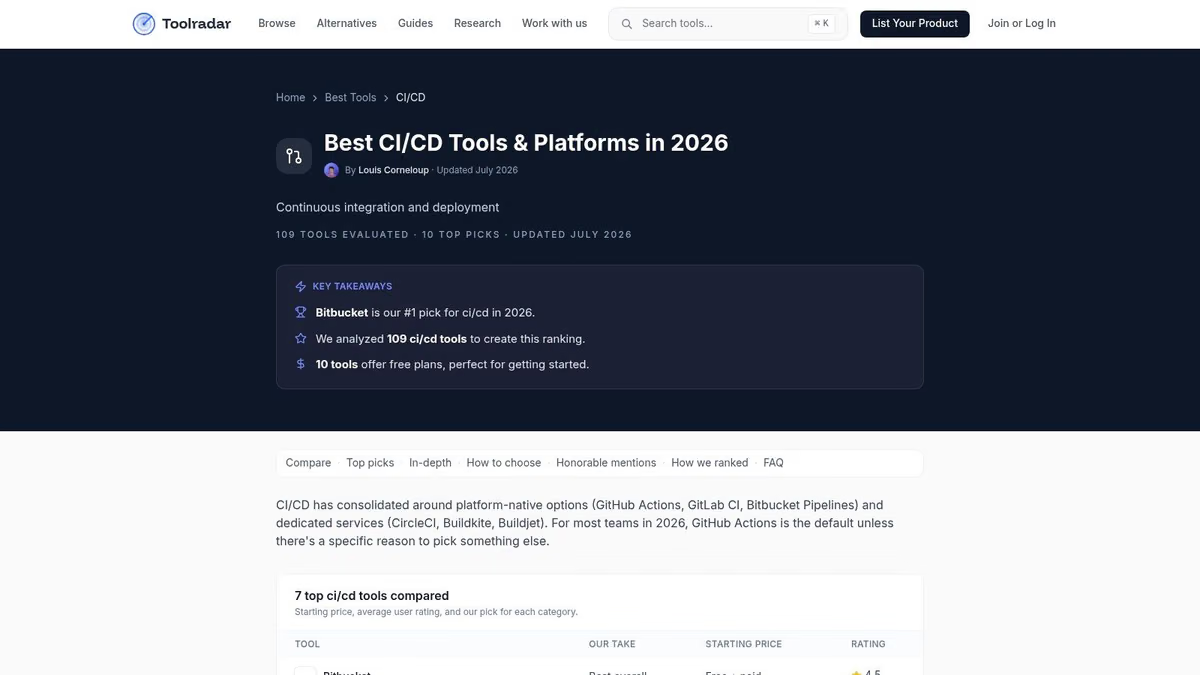
Best - Ci Cd isn't a deployment engine. It's the fastest way to get your shortlist right before you waste weeks trialing the wrong stack. That's why it deserves the top spot here. Failure often doesn't stem from a lack of tools. It arises from evaluating the wrong category, or comparing a feature flag platform to a release orchestrator as if those tools do the same job.
Toolradar's CI/CD list is useful because it cuts the market by practical buying signals. You can narrow options by pricing model, check trending and recently added products, compare tools side by side, and quickly see whether a platform is better suited to startups, cloud-native teams, or heavier enterprise workflows. For a release lead, that saves time. For a manager trying to get engineering and finance aligned, it keeps the discussion grounded.
Why it works in practice
The true value is framing. If your team needs governed promotions, auditability, and multi-environment orchestration, a generic "best dev tools" roundup won't help. If you only need one clean CI runner with basic promotion logic, enterprise release train platforms are overkill.
Toolradar helps separate those paths early.
- Good for shortlisting: It surfaces fit, use cases, and pricing posture quickly enough to cut obvious mismatches.
- Good for mixed audiences: Engineers can scan capabilities, while non-technical stakeholders can understand what category they're approving.
- Good for avoiding tool sprawl: You can compare hosted services, on-prem options, and broader delivery platforms before you commit.
Practical rule: Use a directory like this to reduce your candidate list to three. Then run hands-on trials. No serious release tooling decision should be made from feature grids alone.
It also pairs well with adjacent reading, especially if your problem is mobile shipping cadence and store release friction. This practical guide to mobile CD is a useful companion when your release process extends past backend deployment into app distribution.
The trade-off is obvious. Curated lists age faster than product docs, and any listing can lag behind product changes. So use Toolradar for fast market orientation, not as a substitute for proof-of-concept work in your own environment.
2. Octopus Deploy

Octopus Deploy is what I point teams to when CI is already fine but releases are still stitched together with YAML, shell scripts, and tribal knowledge. It's purpose-built for packaging, versioning, promoting, and auditing releases across environments. That focus matters.
Where Octopus stands out is operational clarity. Release snapshotting ties the deployment process, variables, and package versions to a specific release. In real life, that's how you answer "what exactly went live?" without reverse engineering logs from three systems.
Where Octopus fits best
Octopus is strong in multi-service, multi-environment delivery, especially when teams need approvals, audit trails, and broad target support across VMs, containers, Kubernetes, Windows, Linux, and cloud services. Runbooks also make it useful for day-two operations like failover tasks, database work, or remediation steps that don't belong in every pipeline run.
A few practical strengths:
- Snapshot-based releases: Useful when you need repeatable promotions from dev to test to prod without drift.
- Approval-heavy environments: RBAC, audit logs, and promotion gates are mature enough for regulated teams.
- Hybrid infrastructure: Better fit than many cloud-first tools when your estate isn't clean or modern.
If you're sorting out where deployment automation ends and release orchestration begins, this deployment automation tool guide is a helpful companion.
Octopus is best when your release process is bigger than your CI process.
The downside is that it's another product in the chain. You still need CI, artifact handling, and often separate observability. For small teams that already manage clean GitHub Actions or GitLab pipelines, Octopus can feel like adding a control plane you don't yet need. But once release governance, environment promotion, and rollback discipline become recurring pain points, it starts making sense quickly.
3. LaunchDarkly

LaunchDarkly solves a different release problem than Octopus. It doesn't primarily orchestrate deployment. It separates deploy from release. That's a huge distinction, and teams often miss it during evaluations.
If you already deploy continuously but still fear turning features on, LaunchDarkly is often the cleaner answer. You ship code dark, expose it to internal users or limited cohorts, and expand rollout as confidence builds. If the feature misbehaves, you pull exposure back without waiting on a redeploy.
What it's really for
LaunchDarkly is strongest when runtime control is the release strategy. It gives you broad SDK coverage, progressive rollouts, scheduling, approvals on higher tiers, experimentation support, and integrations that let teams watch the impact of a feature while it's being exposed.
Feature management provides the means to justify its budget. Existing guidance often fails to explain business ROI clearly. One gap is that 45% of organizations fail to link release metrics like deployment frequency or MTTR to revenue or retention outcomes. LaunchDarkly doesn't solve that business case by itself, but it does give product and engineering teams cleaner release control that can be tied to customer exposure and impact.
- Best for progressive delivery: Gradual cohort-based rollout is the core use case.
- Best for product experimentation: Strong fit when feature release and experimentation are tightly linked.
- Not a full release orchestrator: You still need CI/CD and usually separate deployment logic.
What doesn't work is using LaunchDarkly as a substitute for release governance across infrastructure changes, database migrations, or coordinated multi-system promotions. Feature flags don't replace change orchestration. They complement it.
4. Harness

Harness is for teams that want a broad delivery platform, not just a narrow deployment tool. Its release story combines CD workflows, GitOps support, feature management, rollback automation, and a larger module set that can reduce the glue code between point solutions.
That integrated model is its main selling point. If your team wants feature flags, canary or blue-green patterns, verification, and delivery controls living closer together, Harness is one of the cleaner platforms to evaluate.
Our take on the trade-off
Harness makes the most sense when you already know your release process needs automation plus control plus visibility. High-performing engineering teams using advanced release management software can cut deployment times by 40% to 60% compared with manual baselines, while post-release incident rates can drop by up to 35%. Harness is the kind of platform buyers look at when they want those gains from stronger validation gates and dependency-aware delivery.
This roundup of software deployment tools is useful if you're comparing Harness against narrower CD products.
- Strong fit for platform-minded teams: Especially if you want one vendor handling multiple delivery concerns.
- Safer rollout model: Canary, blue-green, and automated rollback are table stakes here.
- Potential downside: Small teams can drown in platform breadth they won't use.
Field note: If your team hasn't standardized environments, ownership, and rollback rules yet, buying a broad platform won't fix the process gap. It will just formalize the mess.
Public pricing clarity is also limited for bigger deployments, so expect sales-led evaluation. That's normal for this category, but it's still friction.
5. Digital.ai Release
Digital.ai Release is enterprise release orchestration. If you're coordinating release trains across many teams, integrating CI/CD with ITSM and change processes, and needing persona-specific visibility, this is the category it belongs to.
It's not trying to be a lightweight developer convenience tool. It's built for modeling complex release flows with sequencing, parallel work, manual interventions, templates, and governance. In regulated environments, that's often the difference between a release process that can be defended and one that only works when specific people are online.
Best for heavy coordination
The platform fits organizations where multiple applications, stakeholders, and approval paths have to converge before production. DevOps-as-Code support through YAML and CLI helps, but the bigger win is orchestration across systems that weren't designed together.
The catch is overhead. Digital.ai Release pays off when complexity is already real. If your deployment path is basically "merge to main, run tests, promote if green," you'll spend more time modeling process than improving delivery. If your release board includes engineering, QA, security, operations, support, and change management, that's where the product starts to look rational.
A lot of buyers underestimate this category because they evaluate enterprise release software as if it's just fancy CI/CD. It isn't. It's governance plus orchestration plus visibility across a portfolio.
6. Plutora Release Management
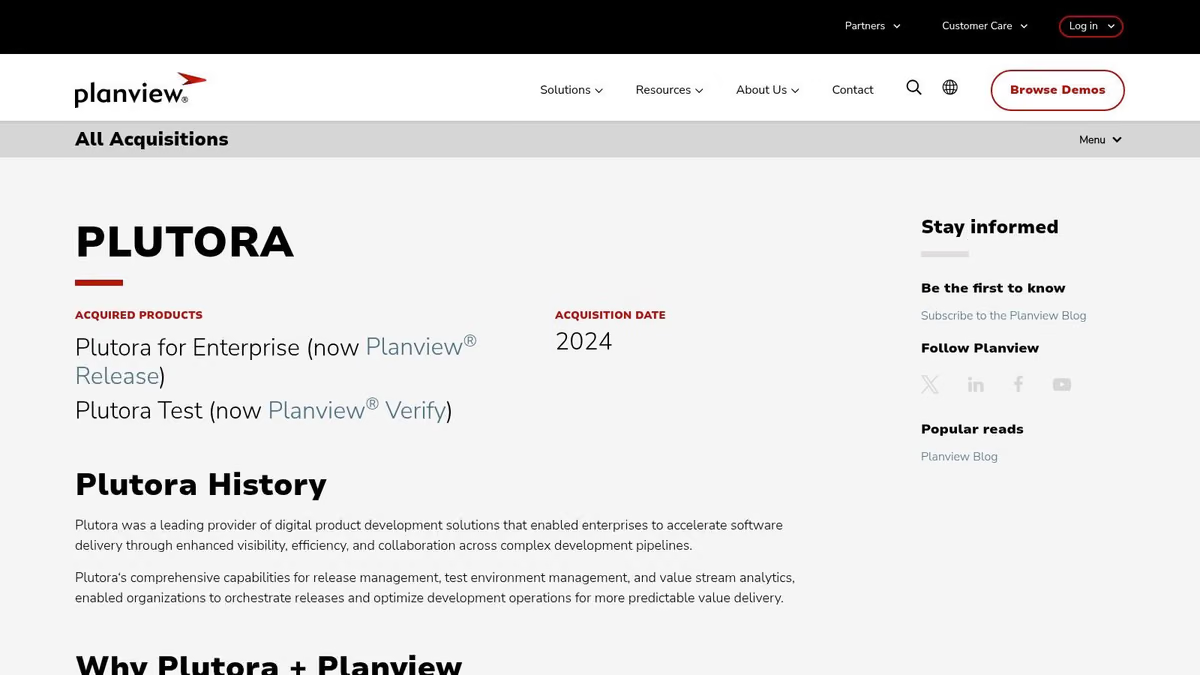
Plutora Release Management leans hard into standardization. That's why some teams love it and others bounce off it. If you're trying to create a portfolio-level release process with phases, gates, criteria, and consolidated calendars, Plutora is aligned with that mission.
This is less about elegant developer UX and more about cross-team control. The strongest use case is a larger organization that needs one visible release framework spanning products, environments, and programs.
What works and what doesn't
Plutora is good at making release trains explicit. You can define approval criteria, standardize activities, surface dependencies, and centralize release data from CI/CD and ITSM tools. For organizations where every team currently tracks releases differently, that consistency is its core product.
A practical scheduling habit matters here. Teams should map inter-team dependencies at least two sprints in advance and assign owners on both sides of the dependency. Plutora supports that kind of disciplined release planning better than lighter tools that only show what's shipping.
- Strongest fit: PMO-heavy or enterprise IT environments that need formal release governance.
- Weakest fit: Small autonomous teams that want low-friction release automation.
- Main cost: Adoption effort. The software won't standardize behavior unless leadership backs the process.
Plutora is useful when release management is an organizational capability, not just a delivery pipeline setting.
7. Azure DevOps
Azure DevOps is the pragmatic choice for teams already living in the Microsoft ecosystem. Boards, Repos, and Pipelines tie work tracking to releases in one place, and approvals and gates are built into the release flow rather than added through another product.
That convenience is real. For .NET shops or teams already invested in Azure, the path from issue to code to deployment can stay relatively coherent.
The part that trips teams up
Azure DevOps has two release mental models. Multi-stage YAML pipelines are the modern path, while Classic Release Pipelines still exist and are still used. That overlap can confuse teams, especially when some services use one model and others use the other.
The product is capable, but governance only helps if deployment quality is tested earlier. If you're building approval-heavy flows, pair them with strong validation and the right performance testing tools. You can also dig deeper into repo-side workflow patterns in this Azure DevOps repository guide.
The practical upside is tight integration. The practical downside is that outside Azure-heavy environments, the value proposition weakens. If your stack spans many non-Microsoft tools, Azure DevOps can start to feel like a good center that doesn't fully own the edges.
8. GitHub

GitHub is the low-friction option for teams that already do most of their work there. Repository Releases, Actions, protected environments, workflow approvals, and the API ecosystem can get you surprisingly far without introducing a dedicated release platform.
For open source projects and lean internal teams, that's often enough. You tag versions, attach artifacts, publish notes, and wire promotion logic into Actions. The release process stays close to code, which developers usually prefer.
Where GitHub stops being enough
GitHub is good at lightweight release management. It is not a strong enterprise orchestration system out of the box. Once your process depends on broad cross-team coordination, centralized calendars, portfolio-level dependencies, or formal change workflows, you'll start compensating with custom scripts and conventions.
That doesn't make GitHub a bad choice. It just means you should be honest about the limit.
Keep GitHub if your release problem is pipeline automation. Add specialist tooling when your problem becomes governance, coordination, or controlled exposure in production.
If you're deciding whether to consolidate on GitHub or move toward an all-in-one DevSecOps platform, this GitHub vs GitLab comparison is worth reviewing before you commit.
9. GitLab
GitLab is the best fit for teams that want one platform to cover planning, source control, CI/CD, environments, feature flags, and release records with less third-party stitching. That single-application model is its main release advantage.
When it works well, traceability is clean. You can connect issues, merge requests, pipelines, environments, and releases without hopping between products. For many teams, that's enough governance without going fully enterprise-heavy.
Why teams choose it
GitLab's built-in release features, orchestration options, environments, review apps, Auto DevOps patterns, and native flags make it easier to keep release operations inside one platform. That's attractive if your current process suffers from fragmented ownership across multiple vendors.
Release management is no longer just deployment execution. Organizations using dedicated release management software report meaningful gains in deployment frequency and mean time to recovery, especially when they centralize coordination and track success or failure status, on-time delivery, and de-scoped features across the six release phases of planning, build, testing, validation, deployment, and post-release analysis, as outlined in this release management guide. GitLab aligns well with that end-to-end operating model.
The downside is tiering. Some of the stronger orchestration and enterprise controls sit higher in the pricing ladder, and buyers should verify exactly which governance features they need before standardizing on it.
10. Jira Software (Atlassian)
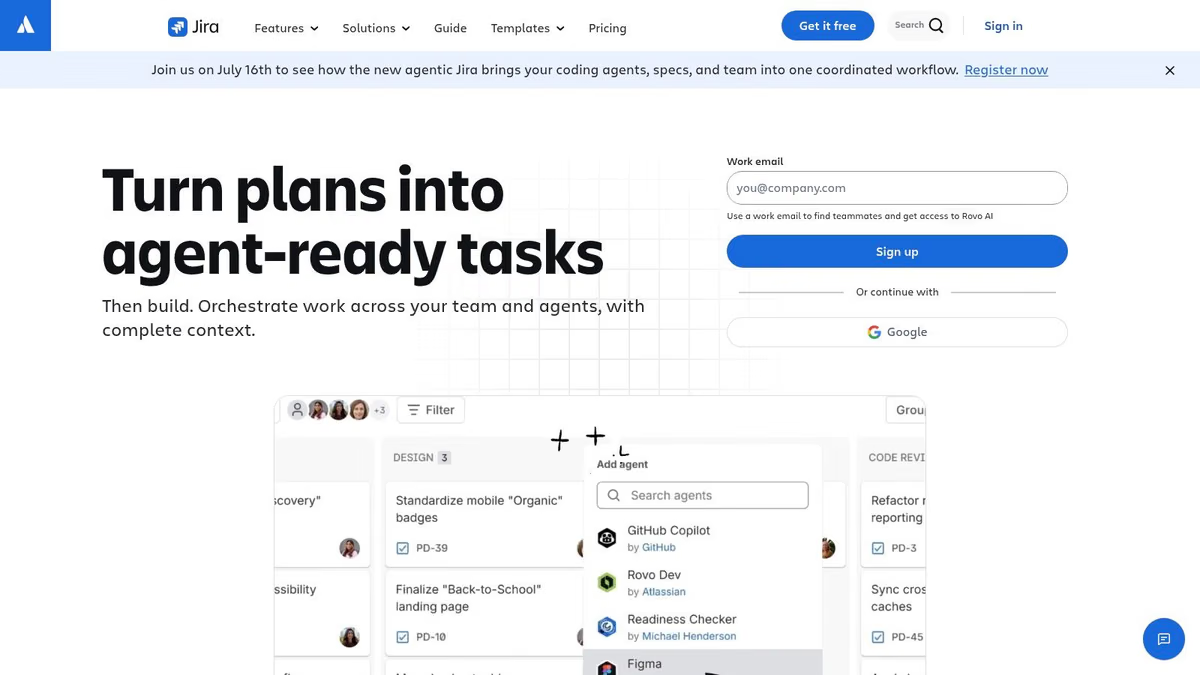
Jira Software isn't a deployment engine, and that's exactly why it still belongs on this list. A lot of release failures aren't caused by bad automation. They're caused by bad coordination. Jira helps teams define release scope, track progress through versions, show dependencies on roadmaps, and generate release notes with context from connected development systems.
If your release pain starts before deployment, Jira is often the missing layer.
Best used as the planning spine
Jira works best when paired with CI/CD and deployment tooling rather than treated as the whole answer. It gives product, engineering, QA, and support one planning surface for what's in the release and whether it's ready.
That matters in hybrid organizations too. Over 60% of enterprises still run mixed environments with legacy on-prem systems and modern cloud infrastructure, which makes release coordination harder than most cloud-only tool roundups admit. Jira is often one of the few shared systems that spans those boundaries. If you're mapping the broader process around it, this application lifecycle management software guide helps frame where Jira fits, and this guide to connecting Jira with other tools is useful when integration becomes a significant bottleneck.
Operational advice: Write the rollback protocol before the release ships and keep it where the on-call engineer can reach it immediately, as recommended in this rollback-focused best practice guide.
Jira is best when you need visibility, release ownership, and planning discipline. It's weak if you're expecting it to perform the actual release mechanics.
Top 10 Release Management Tools, Feature Comparison
| Tool | Core focus ✨ | UX/Quality ★ | Price/value 💰 | Target audience 👥 | Standout 🏆 |
|---|---|---|---|---|---|
| Best - CI/CD (Toolradar) | Curated guide + filters, side‑by‑side comparisons ✨ | ★★★★, community & expert curation | 💰 Free to browse; filters for pricing tiers | 👥 Decision‑makers, evaluators, teams shortlisting tools | 🏆 Fast shortlist with experience‑based reviews |
| Octopus Deploy | Release orchestration, runbooks, multi‑env targets ✨ | ★★★★, purpose‑built release UI | 💰 Paid; capacity add‑ons for advanced scale | 👥 Release engineers, ops, enterprises | 🏆 Release snapshotting & compliance controls |
| LaunchDarkly | Feature flags & progressive delivery, experimentation ✨ | ★★★★, many SDKs & integrations | 💰 Usage/MAU pricing; Enterprise tiers | 👥 Product teams, SREs, growth/experimenters | 🏆 Runtime flag control & safe rollouts |
| Harness | End‑to‑end delivery + GitOps + feature mgmt ✨ | ★★★★, integrated verification & rollback | 💰 Flex pricing (HSUs); sales‑led for enterprise | 👥 Mid→large orgs seeking unified platform | 🏆 Tight flag↔CD linkage & automated verification |
| Digital.ai Release | Enterprise release orchestration, templates & governance ✨ | ★★★★, built for complex portfolios | 💰 Enterprise/quote pricing | 👥 Regulated enterprises, release program leads | 🏆 Model large multi‑team release trains |
| Plutora Release Management | Portfolio release planning, calendars & gates ✨ | ★★★☆, strong program visibility | 💰 Custom/quote pricing | 👥 PMOs, portfolio & program managers | 🏆 Consolidated portfolio visibility & control |
| Azure DevOps | Boards, repos, multi‑stage YAML pipelines & gates ✨ | ★★★★, native Azure/.NET experience | 💰 Low entry pricing; paid org features | 👥 Azure/.NET teams, Microsoft shops | 🏆 Integrated planning + pipeline governance |
| GitHub | Repos, Actions CI/CD, Releases & marketplace ✨ | ★★★★, low friction for devs & OSS | 💰 Free → paid tiers; marketplace apps | 👥 OSS, developer teams, startups | 🏆 Native Actions ecosystem & community reach |
| GitLab | Single‑app DevSecOps: CI/CD, flags, traceability ✨ | ★★★★, end‑to‑end lifecycle coverage | 💰 Free → paid tiers; enterprise features higher | 👥 Teams wanting one platform for lifecycle | 🏆 End‑to‑end traceability from planning→release |
| Jira Software (Atlassian) | Planning, Releases/Versions, roadmaps & integrations ✨ | ★★★★, ubiquitous for planning/governance | 💰 Tiered pricing; add‑ons for advanced needs | 👥 Product managers, PMOs, cross‑team leads | 🏆 Release visibility + integrations with CI/CD |
Standardize Your Path to Production
The right release management software should match your real bottleneck. That's a decision frequently made incorrectly. They buy a deployment tool when they need governance. They buy a feature flag platform when the release pain is cross-team coordination. Or they keep stretching CI pipelines into release systems long after that approach has stopped scaling.
A simple way to choose is to start with the problem statement, not the vendor category.
- Choose release orchestration tools like Octopus Deploy or Digital.ai Release when you need promotions, approvals, audit trails, environment control, and repeatable deployments across many services or systems.
- Choose feature management tools like LaunchDarkly when your main need is runtime control, progressive exposure, and instant rollback without redeploying.
- Choose broad delivery platforms like Harness or GitLab when consolidating tooling matters as much as improving release safety.
- Choose planning-centered tools like Jira when the biggest issue is release visibility, dependencies, and stakeholder coordination.
- Choose ecosystem-native options like Azure DevOps or GitHub when your team already operates effectively inside those platforms and doesn't yet need heavier release governance.
There are also two practical filters I'd use before any proof of concept. First, check whether the tool can support your actual environment. That sounds obvious, but it gets skipped constantly. Hybrid and legacy-heavy estates often need governed orchestration, manual interventions, and rollback support for systems that don't behave like cloud-native apps. If a product demo only shows containerized happy paths, keep pushing.
Second, inspect rollback as a mechanism, not a bullet point. The best practice is to automate rollback triggers directly into the deployment strategy through patterns like blue-green switching or canary reversion when thresholds are exceeded, as outlined in this release management automation article. If rollback depends on someone remembering a wiki page under pressure, the process isn't production-ready.
The payoff for getting this right is broader than deployment hygiene. Better release management improves speed, lowers avoidable risk, and removes the drama that burns out teams. It also gives engineering leaders something they badly need when budgets are under scrutiny. A standardized release path creates evidence. You can show release status, on-time delivery, failed changes, approvals, and recovery paths in a way ad hoc scripts never could.
Use this list to build a shortlist, then test each option against one real workflow. Pick an upcoming release with approvals, dependencies, rollback requirements, and at least one operational edge case. Run it end to end. The winner usually becomes obvious once the tool meets your actual process instead of the clean demo version of it.
Toolradar is a strong place to keep your shortlist honest. If you're comparing release management software, CI/CD platforms, deployment tooling, or adjacent DevOps products, Toolradar helps you filter credible options fast, compare them side by side, and cut down the trial-and-error that usually drags these evaluations out.
From the team behind Toolradar
Show up when someone asks ChatGPT
ChatGPT, Claude, and Perplexity already retrieve Toolradar. We run the content that keeps you in those answers, and the 6 newsletters that put you in front of buyers directly.
See how we work- release management software
- deployment automation
- release orchestration
- devops tools
- ci/cd tools

Written by
Louis Corneloup
Founder & Editor-in-Chief at Toolradar. Founder & CEO of Dupple, the publisher of 6 industry newsletters reaching 930K+ tech professionals. Reviews B2B software using a public methodology, see /how-we-rate and /editorial-policy.
Related Articles

Top 10 Performance Testing Tools for 2026: A Guide
Find the best performance testing tools for your stack. Our 2026 guide covers 10 top open-source & commercial options with pros, cons, and practical use cases.

10 Best Load Testing Tools for 2026
Find the best load testing tools for your stack. Compare 10 top open-source and commercial options like k6, JMeter, and Gatling with our in-depth analysis.
Deployment Automation Tool a Practical Guide for 2026
Learn how to choose and implement a deployment automation tool. Our practical guide covers benefits, features, common pitfalls, and a checklist for adoption.