Inline Manual vs Usetiful: Pricing and Ratings Compared (2026)
Entry prices and free plans as read on each vendor's pricing page, and user ratings as published on review sites, for Inline Manual and Usetiful side by side. This page compares data; it is not a hands-on review.
On the data: On the data below, Usetiful leads on higher user rating. We do not name an overall winner for this pair.
Short on time? Here's the quick answer
Based on published vendor pricing and features and on public review data, here's who should pick what:

Inline Manual
Build personalized onboarding experiences to increase user adoption and reduce churn.
Best for you if:
- • You want increases user adoption and conversion rates
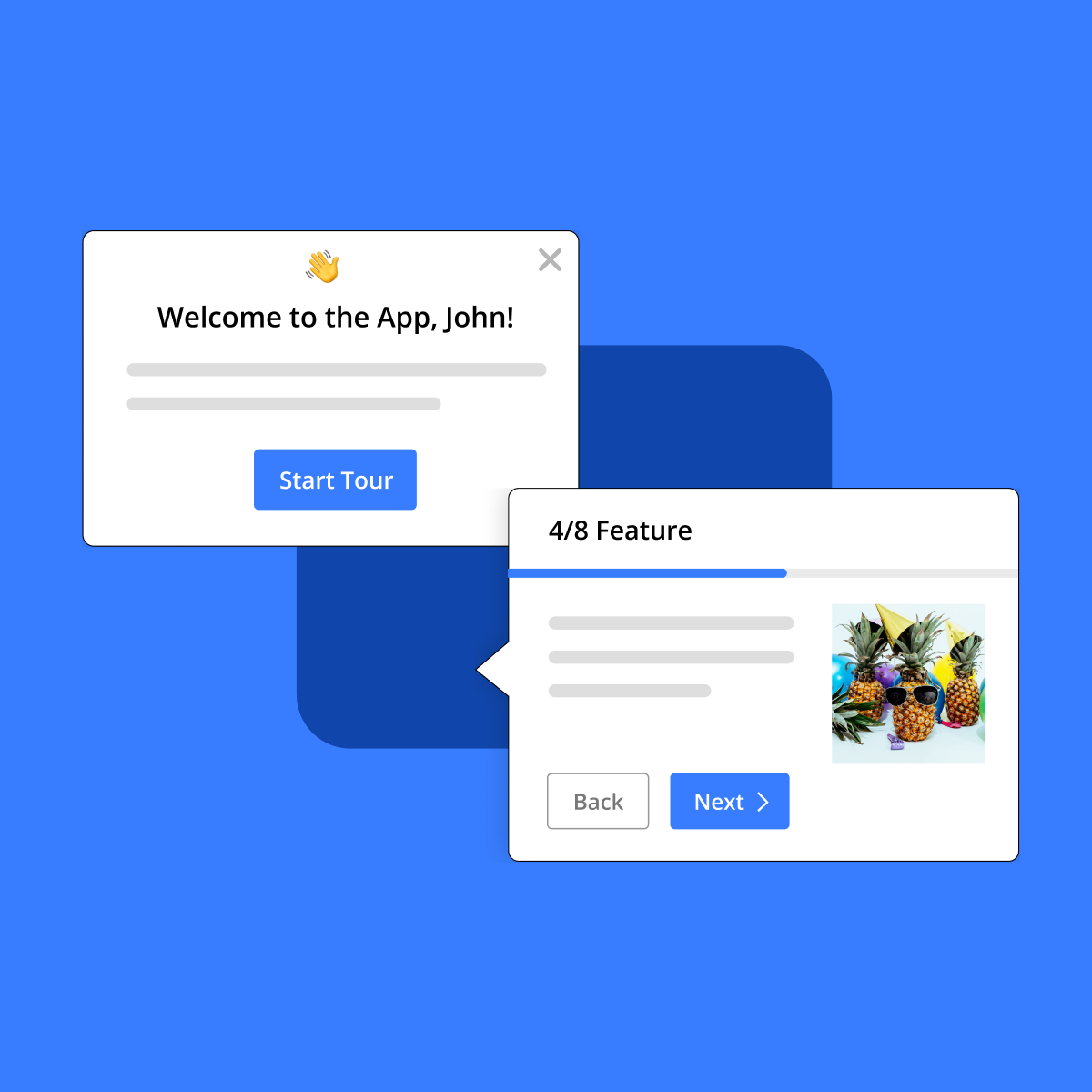
Usetiful
Empower users with interactive product tours and in-app guidance for seamless digital adoption.
Best for you if:
- • You want no coding required to build and publish interactive content
| At a Glance | Inline Manual | Usetiful |
|---|---|---|
Starts at | From $158/mo, billed monthly Standard PRO plan | Not published |
Category | Customer Support Documentation | No-Code UI/UX Design |
Rating | 4.5/5 G2 4.6 · Capterra 4.3 26 reviews | 4.7/5 G2 4.7 · Capterra 4.7 186 reviews |
Free plan | No | No |
Choose Inline Manual or Usetiful?
Choose Inline Manual if
- You want increases user adoption and conversion rates
- You want reduces churn and support workload
- You work in customer support, not no-code
Choose Usetiful if
- You want no coding required to build and publish interactive content
- You want allows for rapid iteration and immediate updates to in-app guidance
- You work in no-code, not customer support
In-Depth Analysis
Inline Manual
Build personalized onboarding experiences to increase user adoption and reduce churn.
Inline Manual's pricing is on the higher side, with the Standard PRO tier at $158/month offering a comprehensive feature set.
Strengths
- Pro: Increases user adoption and conversion rates.
- Pro: Reduces churn and support workload.
- Pro: Provides personalized and contextual in-app guidance.
- Pro: Supports multiple languages and user segmentation.
- Pro: Offers robust analytics and customization options.
Weaknesses
- Con: No free tier available, only a free trial.
- Con: Pricing is based on monthly active users or employees, which can scale up.
- Con: Some advanced features like Standalone Player and Priority Support are add-ons.
Key features
Usetiful
Empower users with interactive product tours and in-app guidance for seamless digital adoption.
Strengths
- Pro: No coding required to build and publish interactive content.
- Pro: Allows for rapid iteration and immediate updates to in-app guidance.
- Pro: Comprehensive analytics provide insights into user behavior and engagement.
- Pro: Supports multi-language content and white-labeling for seamless integration.
- Pro: Manages multiple applications or client accounts from a single platform.
Weaknesses
- Con: No free tier is explicitly mentioned, indicating it's a paid solution.
- Con: Requires integration into existing software, though simplified by browser extension.
Key features
Plans and prices: Inline Manual vs Usetiful
| Tool | Plans and prices | Source |
|---|---|---|
| Inline Manual |
| inlinemanual.com/pricing read Oct 2, 2026 |
| Usetiful | No plan prices on file | usetiful.com/pricing |
Prices as read on each vendor's own pricing page on the date shown. Plans are listed per tool and are not matched against the other tool's plans: a plan name or price in one column says nothing about the same row in the other. Details on Inline Manual pricing and Usetiful pricing.
Key Takeaways
Inline Manual
- Choose if you want build personalized onboarding experiences to increase user adoption and reduce churn
Usetiful
- Higher user rating: 4.7/5 vs 4.5/5
What the data shows
On the data below, Usetiful leads on higher user rating. We do not name an overall winner for this pair.
- Usetiful has the higher user rating (4.5/5 from 26 reviews for Inline Manual, 4.7/5 from 186 reviews for Usetiful).
- Inline Manual starts at $158/mo, billed monthly; Usetiful has no public paid plan price on file.
Criteria: user rating (only above 20 reviews on both sides, gap of 0.2 or more), entry price (only on the same billing basis), free plan. How we rate
Frequently Asked Questions
How do Inline Manual and Usetiful compare in 2026?
On the data below, Usetiful leads on higher user rating. We do not name an overall winner for this pair. Usetiful has the higher user rating (4.5/5 from 26 reviews for Inline Manual, 4.7/5 from 186 reviews for Usetiful). Inline Manual starts at $158/mo, billed monthly; Usetiful has no public paid plan price on file.
What are Inline Manual and Usetiful used for?
Inline Manual: Build personalized onboarding experiences to increase user adoption and reduce churn. Usetiful: Empower users with interactive product tours and in-app guidance for seamless digital adoption.
What does Inline Manual cost vs Usetiful?
Inline Manual's cheapest paid plan is Standard PRO at $158/mo, billed monthly. Usetiful has no public paid-plan price on file. Prices read on the vendors' pricing pages, latest check Oct 2, 2026.
What's the main difference between Inline Manual and Usetiful?
Inline Manual's main strength: increases user adoption and conversion rates. Usetiful's main strength: no coding required to build and publish interactive content.