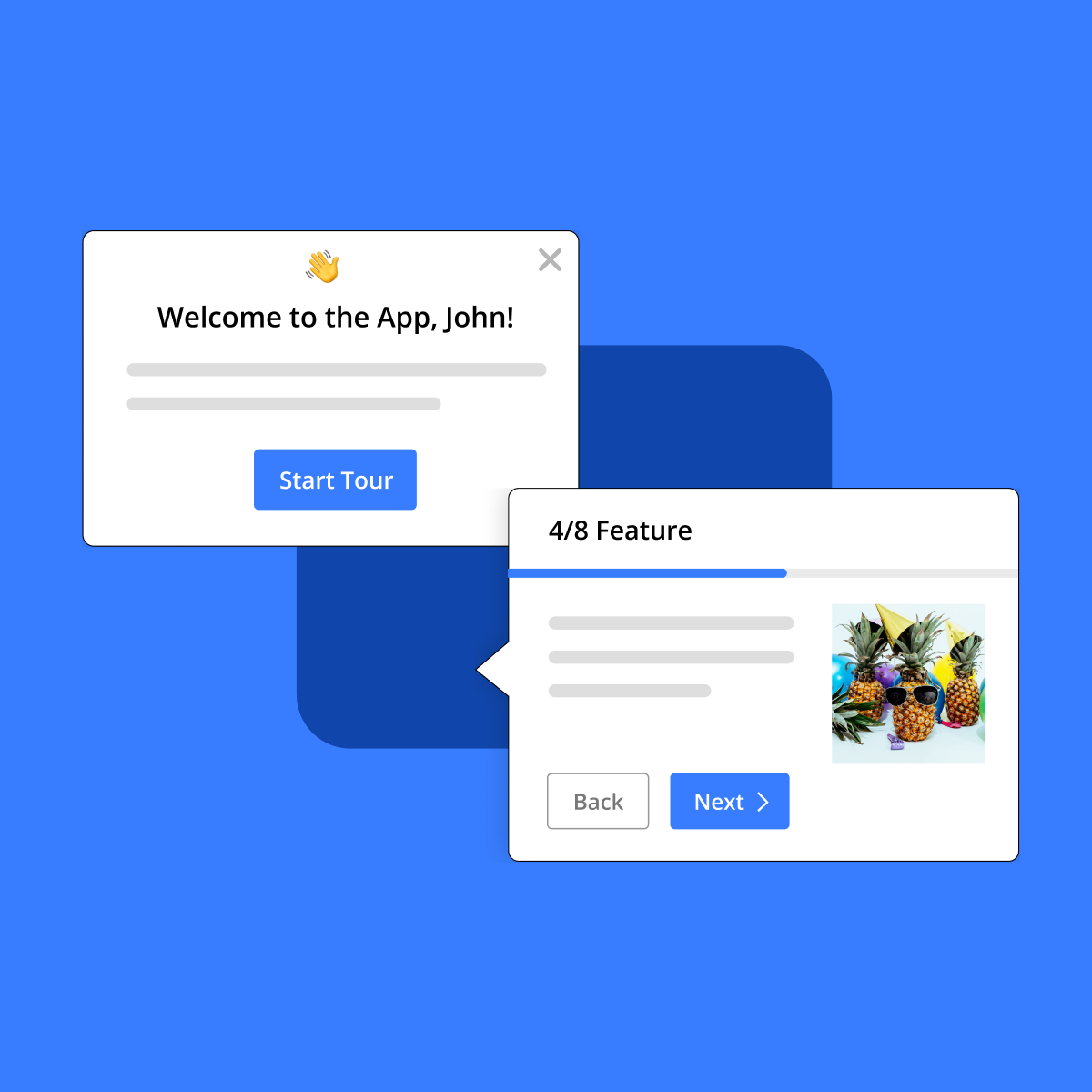
Usetiful
Claim this toolEmpower users with interactive product tours and in-app guidance for seamless digital adoption.
Paid plans onlyVisit WebsiteThe Bottom Line
- Price
- Paid plans only. Compare plans
Key facts
- Create interactive product tours and in-app guidance without coding.
- Improve user onboarding, feature adoption, and customer self-service.
- Gain insights with analytics and gather feedback to optimize user experience.
Pros
- No coding required to build and publish interactive content.
- Allows for rapid iteration and immediate updates to in-app guidance.
- Comprehensive analytics provide insights into user behavior and engagement.
- Supports multi-language content and white-labeling for seamless integration.
- Manages multiple applications or client accounts from a single platform.
Cons
- No free tier is explicitly mentioned, indicating it's a paid solution.
- Requires integration into existing software, though simplified by browser extension.
What is Usetiful?
Available on: Web
Ratings Across the Web
Usetiful holds an aggregate rating of 4.7 out of 5 from 186 reviews across G2 and Capterra, last checked September 17, 2026.
Ratings aggregated from independent review platforms. Learn more
Key Features
- Interactive editor (WYSIWYG)
- White-labeling and customizable themes
- Live preview of tours within the application
- Instant content updates without technical releases
- Flow builder for complex user journeys
- Localization for multiple languages
- Spaces for managing multiple sites/teams
- Engagement reports and analytics
Pricing
Usetiful offers paid plans. Visit their website for current pricing details.
Reviews

Review Usetiful, get a free AI guide
Share your experience and we will send you Improve Your Thinking Patterns Using ChatGPT, free.
Across 186 verified user reviews on G2, Capterra
Add your hands-on experience using the offer above to help the next buyer.
Best Usetiful Alternatives
Top alternatives based on features, pricing, and user needs.

Understand, guide, and gather feedback on user engagement

Build code-free product tours to boost onboarding and adoption

User onboarding and product adoption

Interactive guidance to master any software

No-code builder for user onboarding and feature adoption

Build in-app guidance and onboard users without code
Still deciding?
Most buyers shortlist 2 or 3 tools before committing. Pull a side-by-side comparison or browse the full alternatives shortlist below.
Explore More
Usetiful FAQ
What types of in-app guidance can be created with Usetiful?
Can Usetiful be customized to match the look and feel of an existing application?
How does Usetiful handle content updates and changes?
Is Usetiful suitable for managing guidance across multiple applications or client sites?
How does Usetiful help in understanding user interaction with the guidance?
Source: usetiful.com