
Create stunning social media posts, ads, and marketing materials
From $10/mo (free plan available)Visit WebsiteThe Bottom Line
- Price
- From $10/mo (free plan available). Compare plans
Key facts
- Same as VistaCreate (rebranded from Crello)
- Online graphic design platform
- Free tier with premium templates
Pros
- Design tool
- Good templates
- Easy to use
- Fair pricing
- Good features
Cons
- Now VistaCreate
- Canva better
- Limited features
- Feature gaps
- Support varies
What is Crello?
Ratings Across the Web
Crello holds an aggregate rating of 4 out of 5 from 937 reviews across G2, Capterra, SourceForge and Trustpilot, last checked September 17, 2026.
Ratings aggregated from independent review platforms. Learn more
Key Features
- Design platform
- Template library
- Animation features
- Brand kit
- Team collaboration
- Multi-format export
Pricing Plans
14-day Free TrialPricing checked Sep 28, 2026
| Plan | Price | Details |
|---|---|---|
| Starter (Free) | $0 |
|
| Pro | $10/monthly |
+2 more Show less
|
Is Crello worth the price?
VistaCreate (formerly Crello) is the strongest budget alternative to Canva.
The free Starter plan is genuinely useful: 100K+ templates, 1M assets, 10GB storage, background removal, scheduling, and team accounts for up to 10 members, all at zero cost. Pro at EUR 10/month (EUR 7.70/month annual, saving 23%) adds 170M+ premium assets, unlimited storage, 100 AI image generations per month, and infinite Brand Kits.
For most small businesses and solopreneurs, the free tier covers 80%+ of design needs. Pro is worth it only when you consistently need premium stock assets or AI generation.
Hidden Costs & Gotchas
AI Image Generation capped at 100/month on Pro, heavy users generating social media visuals daily will hit this limit by mid-month
Free plan templates (100K) are a fraction of Pro templates (200K+), the best templates are consistently Pro-locked
EUR pricing means non-eurozone users face currency conversion fees and fluctuating costs, $1 = ~EUR 0.92 currently, making Pro roughly $10.85/month USD
No enterprise or team-specific plan, the 10-member team feature on the free plan has no admin controls, approval workflows, or role-based permissions
Scheduling feature posts to social media but has limited platform support compared to dedicated tools like Buffer or Hootsuite
No offline editing, web and mobile app only, requires internet connection
How Crello's pricing compares
At $10/mo, billing unit not specified, Crello is mid-range of its 6 comparable direct competitors ($1.25 to $20/mo across the set).
Entry paid plan, monthly. Pricing checked Sep 28, 2026.
Reviews

Review Crello, get a free AI guide
Share your experience and we will send you Improve Your Thinking Patterns Using ChatGPT, free.
Across 937 verified user reviews on G2, Capterra, SourceForge
Add your hands-on experience using the offer above to help the next buyer.
Best Crello Alternatives
Top alternatives based on features, pricing, and user needs.

Design anything, for anyone, with millions of templates

The collaborative design platform

Quick creative content creation

Generate high-converting ad creatives, videos, and product photos with AI.

Create marketing graphics easily, even without design skills

AI-powered presentation maker that generates slides from topics or files.

Create realistic video mockups with ease
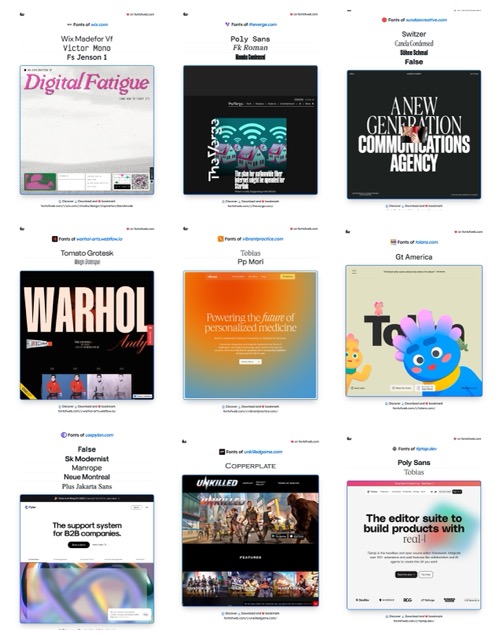
AI-powered font discovery and design inspiration
Still deciding?
Most buyers shortlist 2 or 3 tools before committing. Pull a side-by-side comparison or browse the full alternatives shortlist below.
Explore More
Crello FAQ
How does Crello help create social media content efficiently?
Which teams benefit most from using Crello?
How does Crello compare to Canva for graphic design needs?
Does Crello include a free tier for users?
What kind of animation features does Crello provide?
What are the main limitations of using Crello for design projects?
How does Crello ensure brand consistency across different designs?
Source: create.vista.com