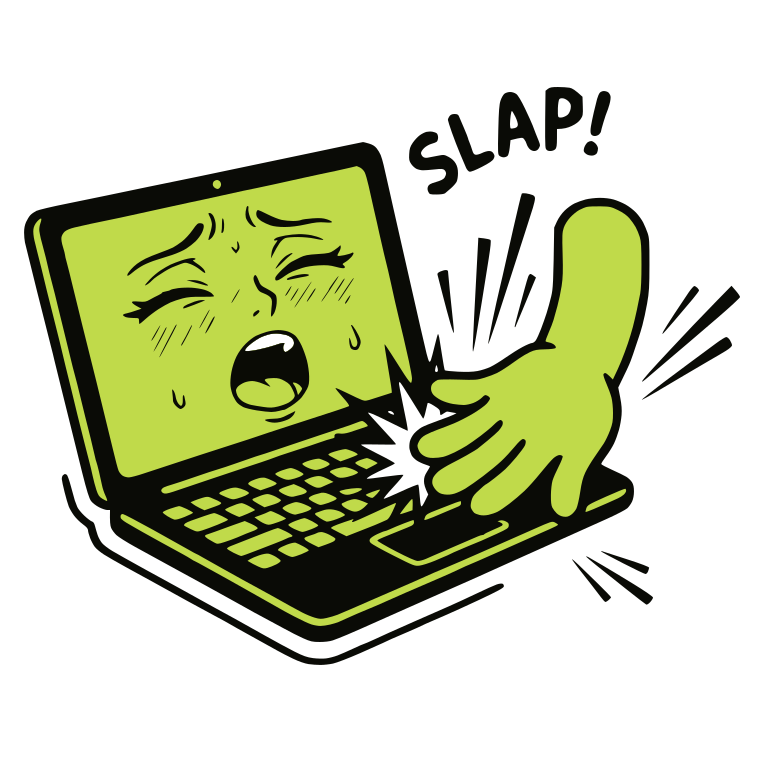
SlapMac
Claim this toolMake your MacBook scream, moan, or get expressive when you slap it or plug in USB devices.
From $9.99/moVisit WebsitePaidVisit Website
Tracked since2026
2 press mentionsThe Bottom Line
- Price
- From $9.99/mo. Compare plans
Key facts
- Makes your MacBook scream or moan when slapped or USB devices are connected.
- Features 130+ sound clips across 8 voice packs with adjustable sensitivity.
- Designed for M1+ MacBooks, integrating humor and unique interaction.
Pros
- Provides a unique and humorous way to interact with your MacBook.
- Offers a wide variety of sound clips and voice packs for customization.
- Includes a USB Moaner mode for additional auditory feedback.
- Discreetly runs in the menu bar without a dock icon.
- Adjustable sensitivity and cooldown allow for personalized experience.
Cons
- Requires an M1+ MacBook, limiting compatibility.
- May be disruptive in quiet environments or open-plan offices.
- The act of slapping an expensive device might be a deterrent for some users.
What is SlapMac?
SlapMac is a macOS application that adds an auditory dimension to interacting with your MacBook. It resides silently in your menu bar and reacts with sound effects when you physically slap your MacBook. The volume of the sound is proportional to the force of the slap, offering a range from whispers to full-volume screams. It includes over 130 sound clips across 8 distinct 'voice packs', allowing users to customize their MacBook's reactions.
Beyond physical interaction, SlapMac also features a 'USB Moaner' mode, where the MacBook will react with sounds whenever a USB device is plugged in or unplugged. The app is designed for M1+ MacBooks running macOS 14.6+ and is targeted at users looking for a humorous, quirky, and attention-grabbing way to interact with their computer, whether for personal amusement or to entertain (or annoy) those around them. Future updates promise custom sound packs and even an iOS version.
Available on: macOS
Key Features
- Slap detection with proportional volume scaling
- USB Moaner mode for plug/unplug reactions
- 130+ sound clips across 8 voice packs
- Adjustable slap sensitivity
- Configurable cooldown timer for rapid slaps
- Menu bar only interface (no dock icon)
- Launch at login option
- Lifetime slap counter
Pricing Plans
Pricing checked Oct 6, 2026
| Plan | Price | Details |
|---|---|---|
| SlapMac | $9.99 |
+10 moreShow less
|
Is SlapMac worth the price?
Good value
At $9.99 one-time, SlapMac packs an impressive 150+ sound clips, USB moaner, and even anti-theft mode, that's generous value for a gag utility that could also serve as a low-cost laptop alarm.
It undercuts most novelty software that charges subscriptions, and the feature set feels like a steal for a single purchase. Best for pranksters, casual users who want Mac feedback sounds, or anyone needing a cheap anti-theft deterrent.
Reviews

$99Free with your review
Write a reviewReview SlapMac, get a free AI guide
Share your experience and we will send you Improve Your Thinking Patterns Using ChatGPT, free.
Explore More
SlapMac FAQ
How does SlapMac provide auditory feedback for MacBook interactions?
SlapMac adds sound effects to your MacBook interactions, reacting with various clips when you physically slap the device. The volume of these sounds adjusts based on the force of the slap, ranging from quiet whispers to full-volume screams.
Which teams would find SlapMac most suitable?
SlapMac is best suited for individuals or teams looking for a humorous and attention-grabbing way to interact with their MacBook. It can be used for personal amusement or to entertain others, fitting users who appreciate quirky software.
How is SlapMac priced?
SlapMac is offered as a paid product, meaning it does not include a permanently free tier. Users purchase the application to access its features and sound packs.
What kind of limitations should users be aware of before installing SlapMac?
Users should note that SlapMac requires an M1+ MacBook, which limits its compatibility to newer models. Additionally, its auditory feedback may be disruptive in quiet environments or open-plan offices, and some users might be hesitant to physically slap an expensive device.
Can SlapMac react to actions other than physical slapping?
Yes, SlapMac includes a 'USB Moaner' mode that enables the MacBook to react with sounds whenever a USB device is plugged in or unplugged. This provides an additional layer of auditory feedback beyond physical interaction.
How customizable are the sound effects in SlapMac?
SlapMac offers extensive customization with over 130 sound clips organized across 8 distinct 'voice packs'. This allows users to personalize their MacBook's reactions to suit their preferences.
Does SlapMac run visibly on the macOS dock?
No, SlapMac runs discreetly in your menu bar without displaying a dock icon. This allows it to operate in the background without cluttering your desktop or application switcher.
Source: slapmac.com