
DocuWare
Claim this toolStreamline document management and automate workflows for enhanced compliance and efficiency.
Paid plans only, free trialVisit WebsiteThe Bottom Line
- Price
- Paid plans only, free trial. Compare plans
Key facts
- Digitizes and centralizes all business documents into an intelligent knowledge base.
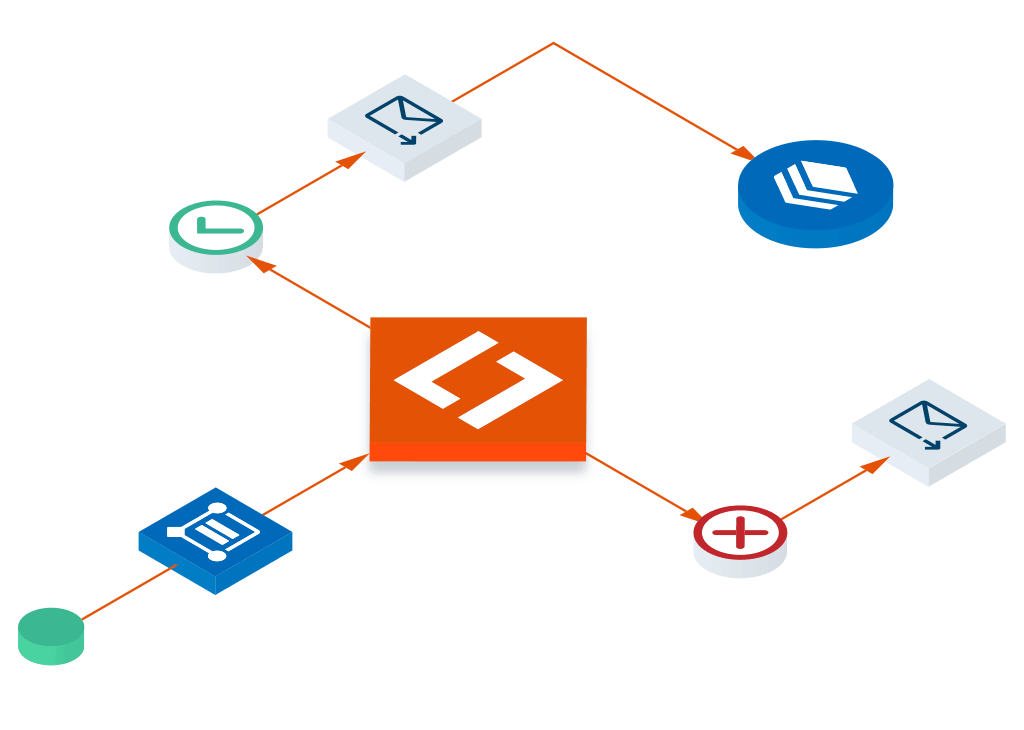
- Automates workflows for document distribution, approvals, and compliance.
- Ensures audit readiness, secure archiving, and version control for regulatory standards.
Pros
- Significantly reduces manual effort and paper processes.
- Enhances compliance with regulatory standards like ISO 9001 and ISO 27001.
- Improves efficiency through automated workflows and centralized information.
- Provides complete traceability and audit readiness.
- Offers high customizability for specific business processes.
Cons
- No free tier is publicly advertised, suggesting a paid-only model.
- Specific pricing details are not readily available without direct contact.
What is DocuWare?
Available on: Web, iOS, Android
Ratings Across the Web
DocuWare holds an aggregate rating of 4.4 out of 5 from 251 reviews across G2, last checked September 17, 2026.
Ratings aggregated from independent review platforms. Learn more
Key Features
- Secure document archiving and control
- Automated workflow management for document distribution and approvals
- Version control and transparent document lifecycle tracking
- Digital forms for data collection and process transformation
- Centralized knowledge management with metadata and full-text search
- Robust access controls and permissions system
- Integration with existing IT ecosystems (e.g., QM portals, intranets, Teams)
- Audit trails and timely notifications for compliance
Pricing Plans
Free TrialPricing checked Oct 5, 2026
| Plan | Price | Details |
|---|---|---|
| DocuWare | Contact us |
Hidden Costs & Gotchas
Potential for additional module or storage fees
Reviews

Review DocuWare, get a free AI guide
Share your experience and we will send you Improve Your Thinking Patterns Using ChatGPT, free.
Across 251 verified user reviews on G2
Add your hands-on experience using the offer above to help the next buyer.
Best DocuWare Alternatives
Top alternatives based on features, pricing, and user needs.


Still deciding?
Most buyers shortlist 2 or 3 tools before committing. Pull a side-by-side comparison or browse the full alternatives shortlist below.
Explore More
DocuWare FAQ
How does DocuWare support compliance with regulatory standards?
Which teams benefit most from using DocuWare?
How does DocuWare compare to Box for document management?
What kind of user would find DocuWare most valuable?
Does DocuWare include a free tier for small businesses?
How does DocuWare help in automating business processes?
Can DocuWare integrate with existing IT systems?
Source: start.docuware.com