
The Bottom Line
Entry price
Paid plans only
Biggest pro
No coding required
Biggest con
Can slow down app
TL;DR - UserGuiding
- No-code user onboarding
- Product tours and tooltips
- Reduce support tickets
What is UserGuiding?
Available on: Web, Chrome
Pros & Cons
Pros
- No coding required
- Good analytics
- Segmentation features
- Multiple guide types
Cons
- Can slow down app
- Limited customization
- Pricing scales with MAU
Ratings Across the Web
UserGuiding holds an aggregate rating of 4.7 out of 5 from 779 reviews across G2, last checked September 17, 2026.
Ratings aggregated from independent review platforms. Learn more
Key Features
Pricing Plans
Free TrialPricing checked Sep 13, 2026
Basic
$89/month
- 2,500 MAU
- Unlimited guides
- Basic analytics
Professional
$389/month
- 20,000 MAU
- Advanced targeting
- Custom CSS
Is UserGuiding worth the price?
UserGuiding's pricing is on the expensive side, especially for smaller businesses.
The jump from the Basic tier at $89/month for 2,500 MAU to the Professional tier at $389/month for 20,000 MAU is substantial. This pricing model is best suited for established mid-market companies with significant user bases and budgets.
Hidden Costs & Gotchas
Potential for overage fees if MAU exceeds limits
How UserGuiding's pricing compares
At $89/mo, UserGuiding is mid-range of its 4 direct competitors ($1 to $300/mo across the set).
Entry paid plan, monthly. Pricing checked Sep 13, 2026.
Reviews

Review UserGuiding, get a free AI guide
Share your experience and we will send you Improve Your Thinking Patterns Using ChatGPT, free.
Across 779 verified user reviews on G2
Add your hands-on experience using the offer above to help the next buyer.
Best UserGuiding Alternatives
Top alternatives based on features, pricing, and user needs.

Understand, guide, and gather feedback on user engagement

Build code-free product tours to boost onboarding and adoption

Interactive guidance to master any software

No-code builder for user onboarding and feature adoption
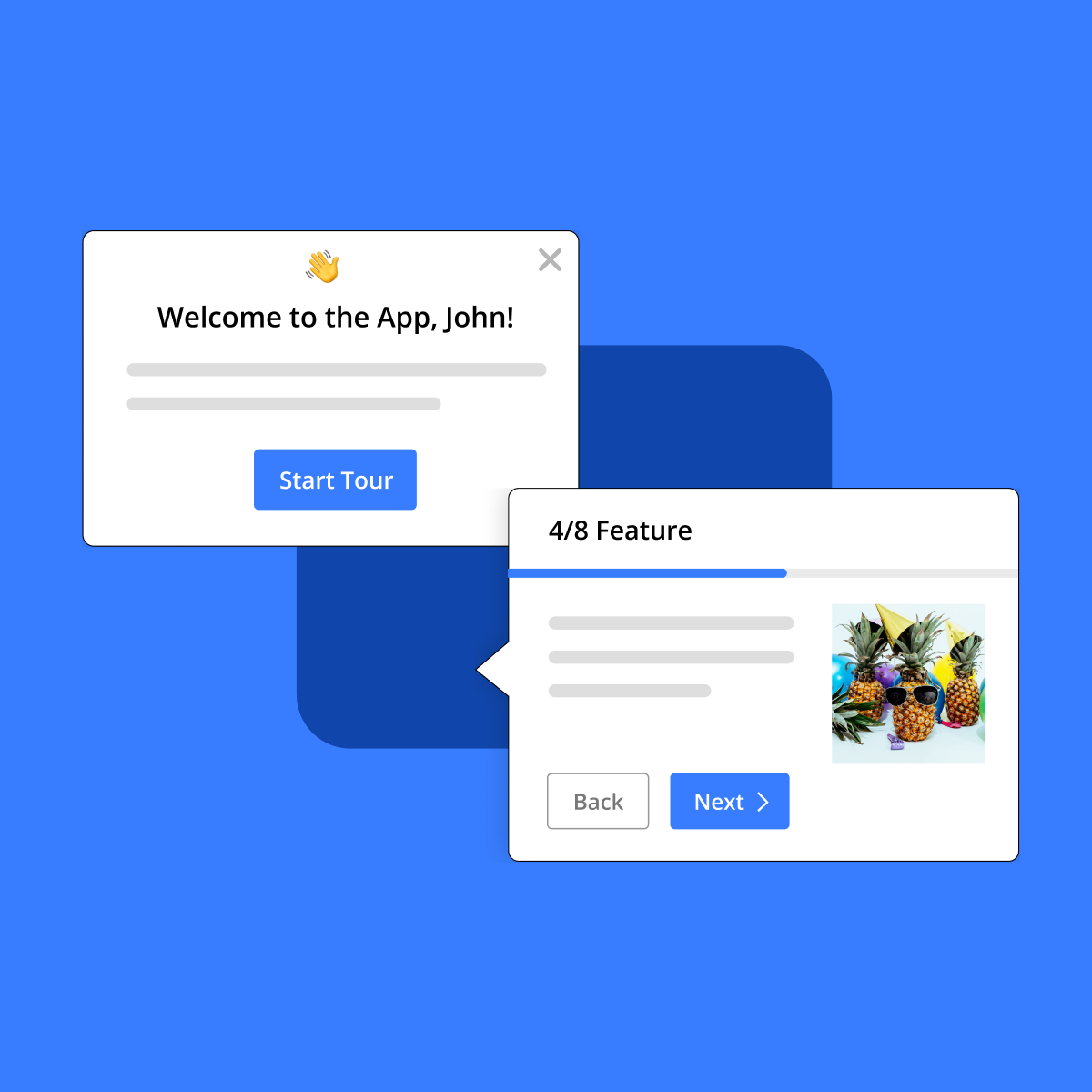
Empower users with interactive product tours and in-app guidance for seamless digital adoption.

The AI-powered platform for product adoption, onboarding, and in-app support.

Digital adoption and in-app guidance platform
Still deciding?
Most buyers shortlist 2 or 3 tools before committing. Pull a side-by-side comparison or browse the full alternatives shortlist below.
Explore More
UserGuiding FAQ
How does UserGuiding help improve user activation?
Which teams benefit most from using UserGuiding?
How does UserGuiding compare to Intercom Product Tours?
Can UserGuiding integrate with existing analytics and communication tools?
What kind of trade-offs should users consider when implementing UserGuiding?
How is UserGuiding priced?
How does UserGuiding support personalized onboarding experiences?
Source: userguiding.com